6 AI Tools for Teachers Who Flip Every Lesson
If you’re the sort of teacher who plans in erasable marker, who’s allergic to linear units, and who really believes the best learning happens when you—honestly—throw out tomorrow’s lesson for a brilliant new class question, this is your read. I’ve always been the teacher who runs out of whiteboard space, starts projects on a Tuesday just because students "weren’t feeling it" on Monday, and scrolls through parent emails thinking, "How can I turn this feedback into a lesson tomorrow?"
The edtech world is obsessed with routines and organization. But what about the rest of us? If you teach in pivots—letting students’ curiosity, news, or hallway energy drive the flow—your challenge is never ideas: it’s workflow, inclusion, and (yes) admin-friendly documentation of a learning journey that rarely matches the plan. After a year of deliberately flipping, remixing, and reinventing almost every lesson, here are the six AI tools that made me (and my class) energized, visible, and genuinely creative. Kuraplan is in here—but as an editable roadmap, not the traffic cop.
1. Gamma — Turn Chaos into Class Memory
Every teacher who reinvents knows the collateral damage: photos of half-finished projects, doodles from the wildest debates, group sticky notes you wish you’d saved. Gamma is now my class’s living gallery. After any lesson that goes sideways or launches a tangent, I throw all visuals, quick notes, and student-shared photos into Gamma. In seconds, the AI generates a scrollable class timeline or visual story that every student can annotate ("Here’s where we changed our mind about project week!").
We project our Gamma gallery every Friday—letting students narrate, edit, and vote for "Best Flip of the Week." Bonus: parents and admin finally see how creativity is curriculum.
Try Gamma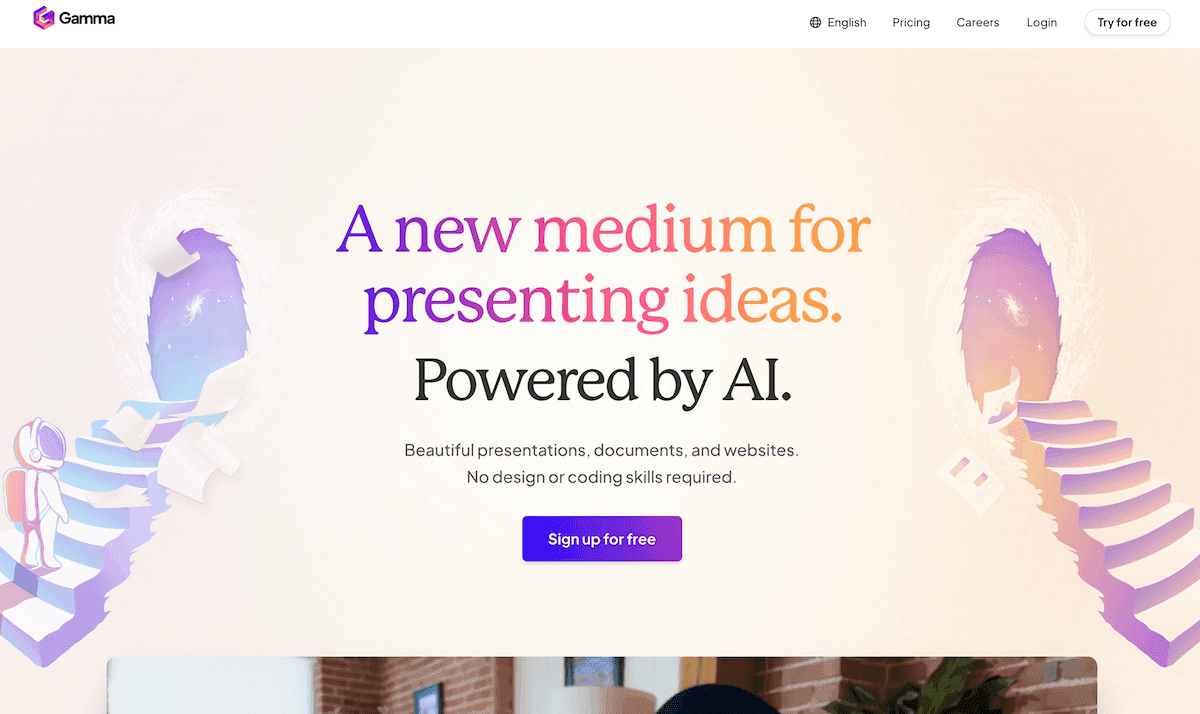
2. Kuraplan — Editable Maps for Moving Targets
I used to fight planners—because my lessons never survived first period unchanged. But Kuraplan became my must-have, not by predicting every move, but by staying flexible. My workflow: at the start of each week, we set a loose plan—must-hit goals, a few anchor events, and intentional “pivot windows” for new ideas. Every time a group wants to chase an emerging question or tackle a fresh student pitch, we mark it on the Kuraplan map, moving checkpoints together. Students see their voice shift the plan—admin still get the standards.
My best advice? Archive each map and compare each group’s path at term’s end: innovation is now a visible tradition, not a rogue event.
Try Kuraplan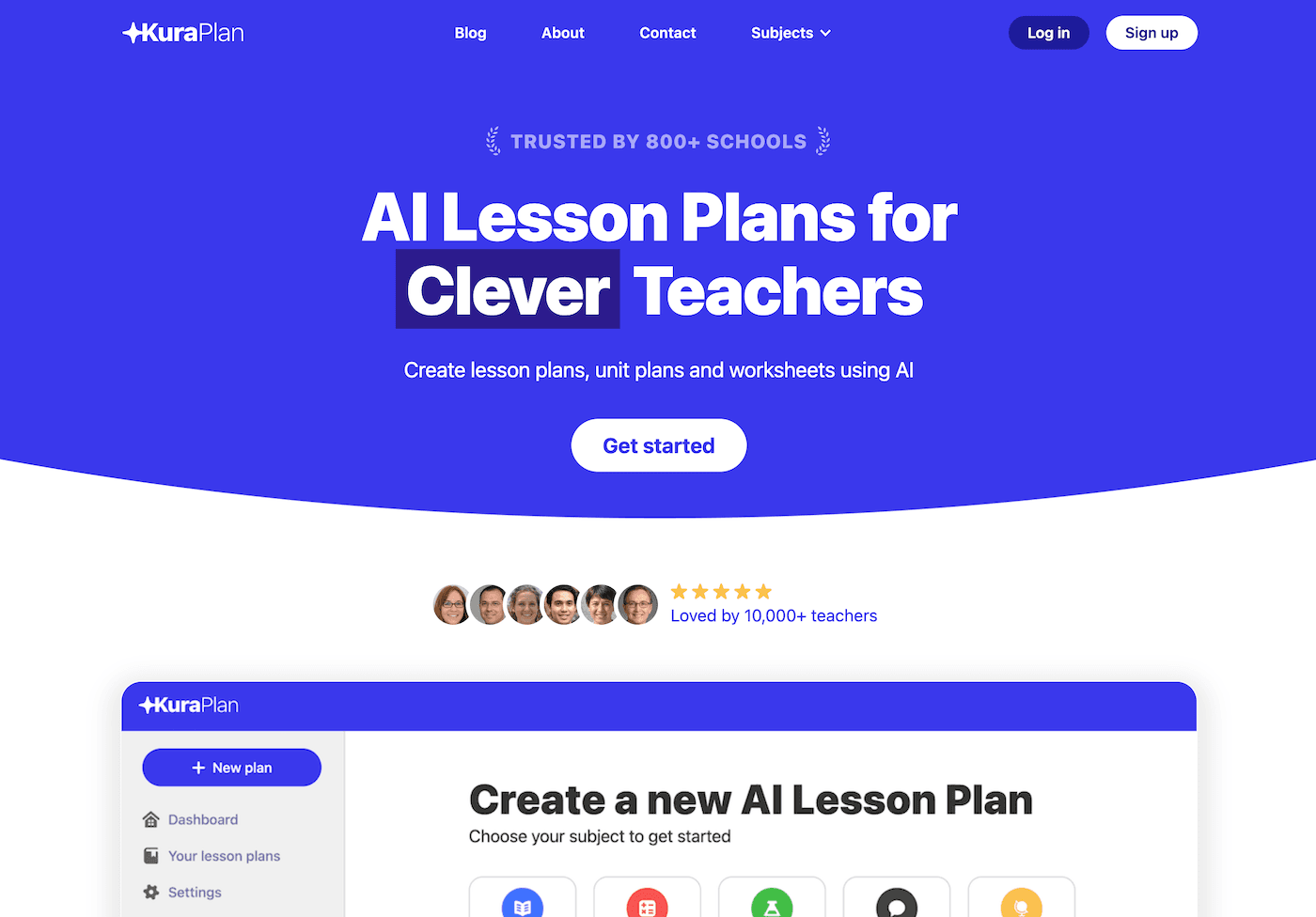
3. Diffit — Resource Adaptation at the Speed of Curiosity
When you teach for pivots, every lesson means a surprise resource: yesterday’s TikTok clip, a parent’s documentary, or even a Wikipedia rabbit hole. Diffit is my instant “yes”—drop in any content and, in moments, get multiple reading levels, vocabulary, and open prompts. Now, every group can attack new topics the same day curiosity strikes. I assign the “Diffit Captain” role to students—rotating who adapts resources, so no wild find ever gets sidelined for access. Teachers get freedom; every learner gets equity.
Try Diffit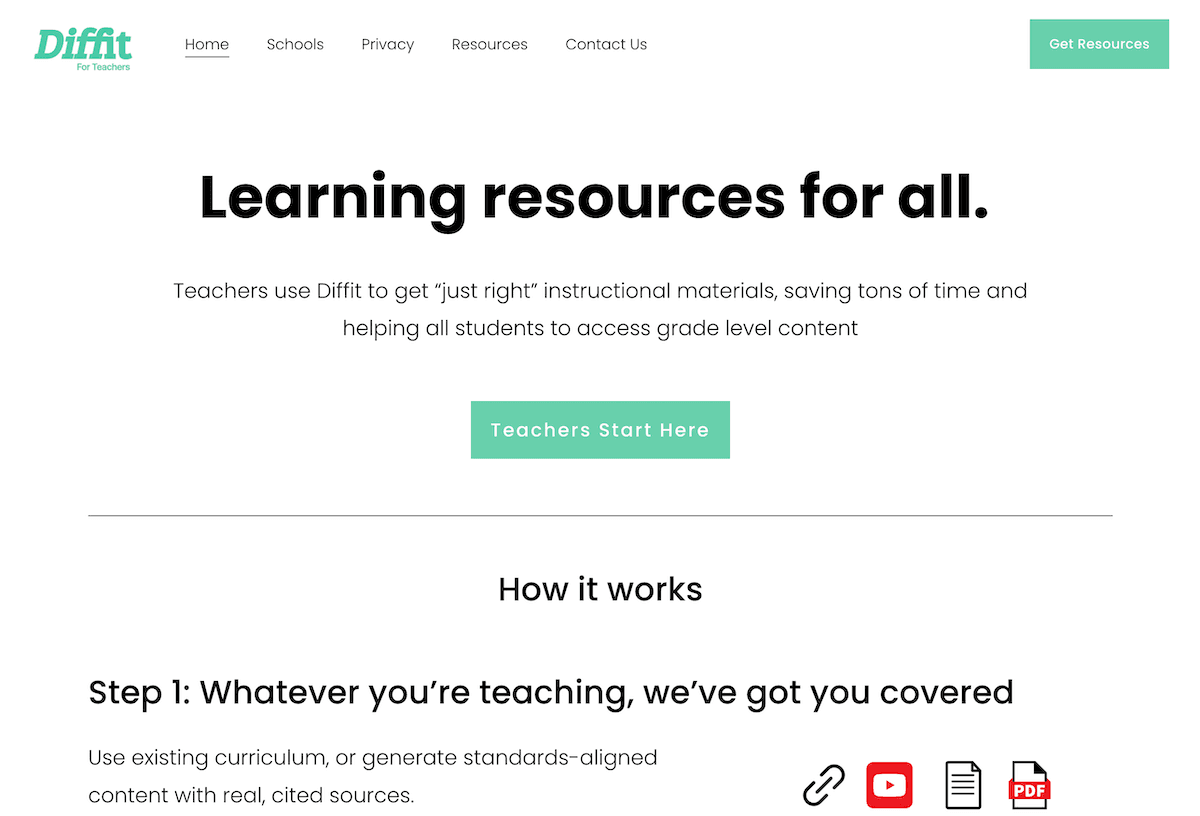
4. Jungle — Honest Review as Ritual, Not Afterthought
Classic review routines die in flipped classrooms: what should you revisit when everyone’s on a different project? My solution: after each pivot or rapid-iteration week, every group or student writes a Jungle card capturing their biggest challenge, "aha," or still-open question. Jungle builds decks for peer-vs-teacher trivia, openers, or "Stump the Syllabus" games. We review what actually happened—not what the original plan expected. The decks get saved and compared across cohorts—each year’s mess is next year’s opening move.
Try Jungle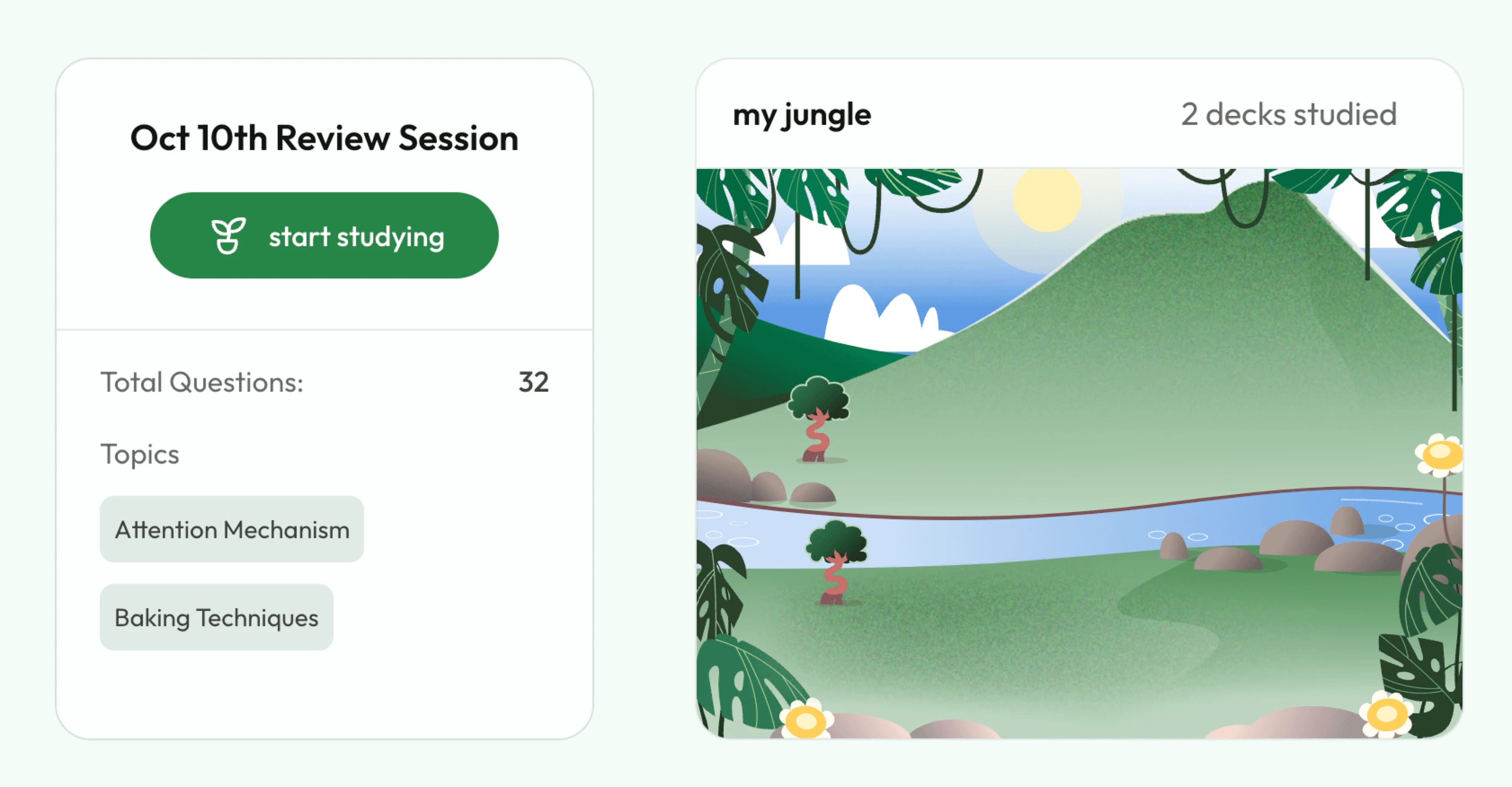
5. Notebook LM — Saving Genius (and Failure) for Next Time
If you flip, you need memory: otherwise, every brilliant class detour is lost by spring. My hack: after every wild outcome—debate that exploded, idea sprint, or just a hallway Q&A that derailed the lesson—we log audio reflections, takeaways, and "next time…" notes in a shared Notebook LM. The AI threads recurring themes (“Why do we keep pivoting after lunch?”), drafts Q&A scripts for class debate recaps, and highlights ideas for future launches. It’s become my class’s ongoing Netflix queue of inspiration.
Try Notebook LM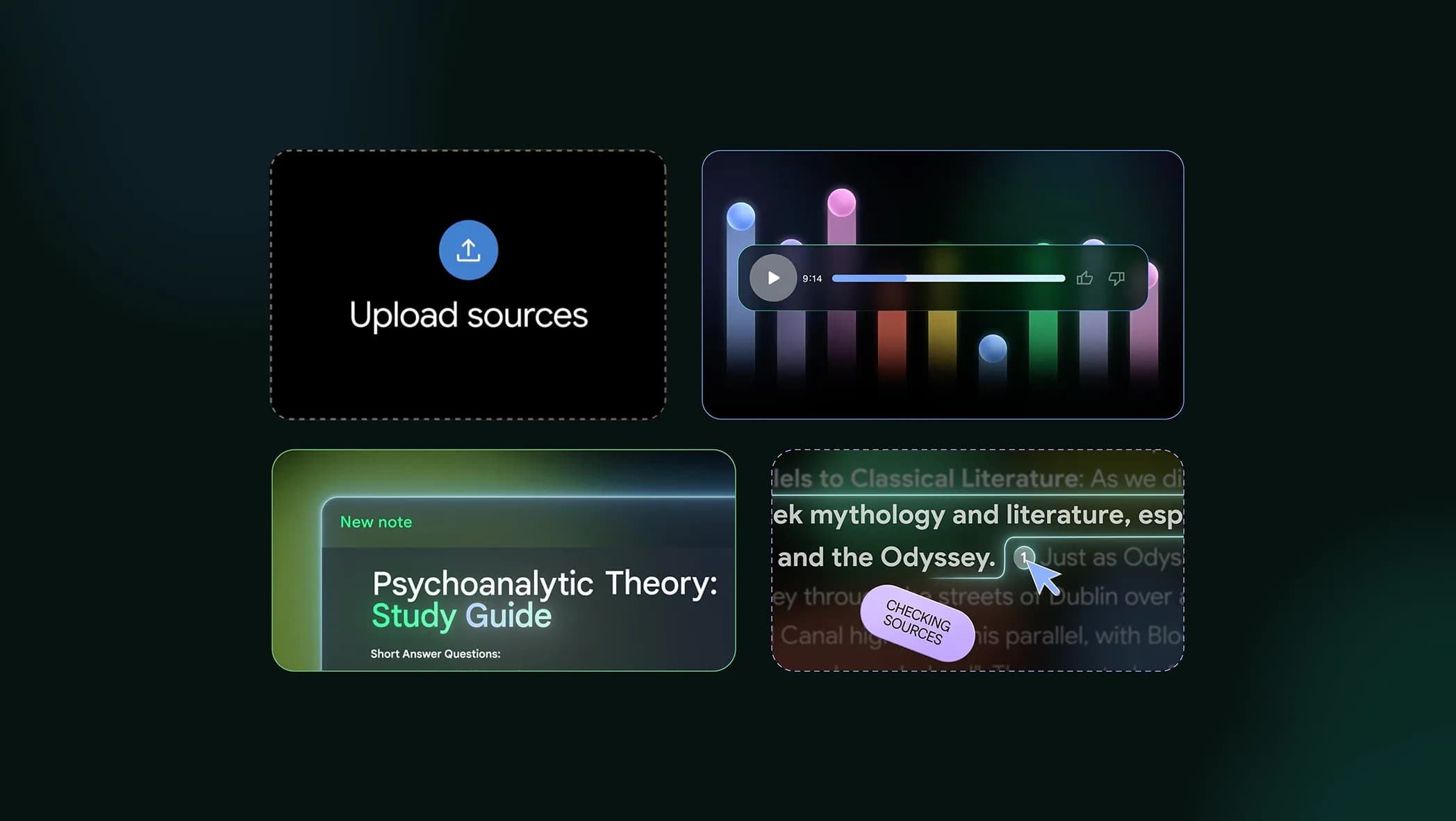
6. Suno AI — Ritualizing Every Unexpected Victory (or Flop)
Class culture only survives pivots if you mark the moments. My favorite workflow: after every flipped lesson, group triumph, or “we survived news day” chaos, students crowdwrite prompt lines for Suno (“Song for the project that wouldn’t quit,” “Chant for the Monday that changed everything,” “Anthem for idea sprints gone right and wrong”). Suno AI generates an instant class track; we use it for reflection, transition, or reopening stalled energy. By spring, our playlist tells the year’s pivot story—and everyone owns it.
Try Suno AI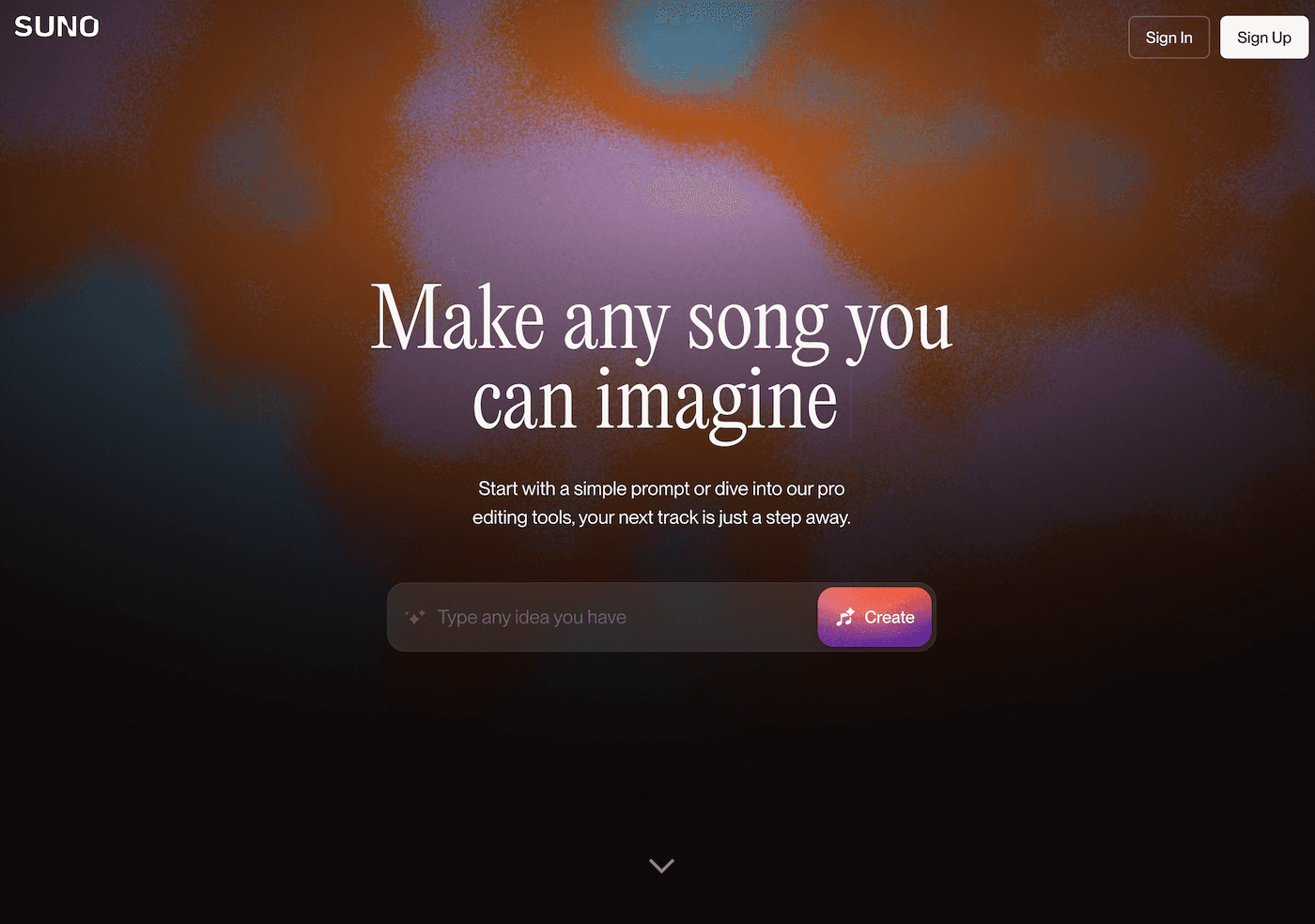
Tips From a Serial Lesson-Flipper
- Archive process, not just product: Gamma and Notebook LM keep learning visible, not lost.
- Make plans communal and living: Kuraplan should be edited, not just followed.
- Scaffold for difference: Diffit keeps up when you (or your class) move fast, bringing every learner along.
- Reflect as a ritual: Jungle lets review grow from the real journey, not the script.
- Celebrate, don’t just conclude: Suno rituals make pivots memorable—and culturally central.
Are you a teacher whose classroom is a mosaic of pivots, remixes, and student impulses? Have a workflow, tech hack, or ritual that helped make lesson reinvention sustainable? Drop your tip below—next year’s best curriculum isn’t even written yet, and that is our greatest advantage.